Back to sign inFeaturesMore ways to use your Gaveta.
A refreshed interface. More ways to store, organise and share.
Drag and drop files, upload entire folders, bundle files into an archive to download and create sharing links with access controls. All in your Gaveta, through your browser.
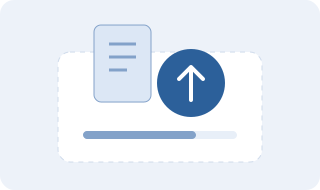
01Store and upload
From documents to project folders.
- Upload files or entire folders.
- Drag and drop files into the listing.
- Track uploads and pause or resume chunked transfers.
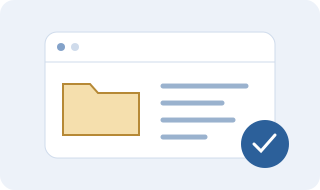
02Organise and find
A place for every file.
- Create folders and subfolders, rename and move items.
- Search, mark favourites and view recent items.
- Select several items for group operations.
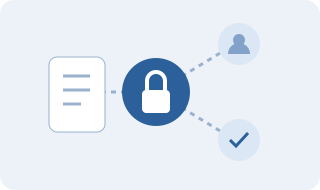
03Share with control
Choose what to share and with whom.
- Share a file, folder or selection through a link.
- Name shares and set expiry, passwords or authorised emails.
- Optionally include new items added to shared folders.
04Manage your shares
Stay in control after sending the link.
- View visits and downloads started.
- Renew the expiry or cancel a share.
- Receive the share details by email, without its password.

05Watch and listen
Photos, videos and audio in a dedicated view.
- Browse Multimedia and filter by type or folder.
- Show thumbnails and preview supported formats.
- Download files when playback is unsupported by your browser.
06Download and compress
Individual files or a single archive.
- Download individual files.
- Compress a selection into an archive, then download it.
- Extract supported archives into a folder.

07Restore and manage space
Understand what you have stored.
- Restore recycled items to their original or another folder.
- Check storage and adjust the cleanup policy.
- Review and confirm synchronisation of missing files or records.
08Personalise
Your Gaveta, your way.
- Choose a theme and switch between list and grid.
- Show or hide thumbnails and adjust pagination.
- Show or hide Favourites, Recent items and Multimedia, and manage sharing settings.

09Follow your account
Activity and support when needed.
- Review your account activity history.
- Manage your details and recovery options.
- Contact support and share feedback.